
Digital Wedding RSVP
An invitation only travels one way. Digital RSVP cards give guests an immediate, branded way to respond from the same phone where they opened the invitation. Each design is fully editable in our free browser-based editor and downloads as JPEG, PNG, and PDF files for sharing alongside your digital wedding invitation. Pair the RSVP card with a free Google Form, an RSVPify link, or simple text-back replies to your phone. The design carries your wedding aesthetic from the invitation through to the response, giving guests a complete branded experience instead of a plain form. Customize the prompt, the deadline, and any meal selection or song request fields.





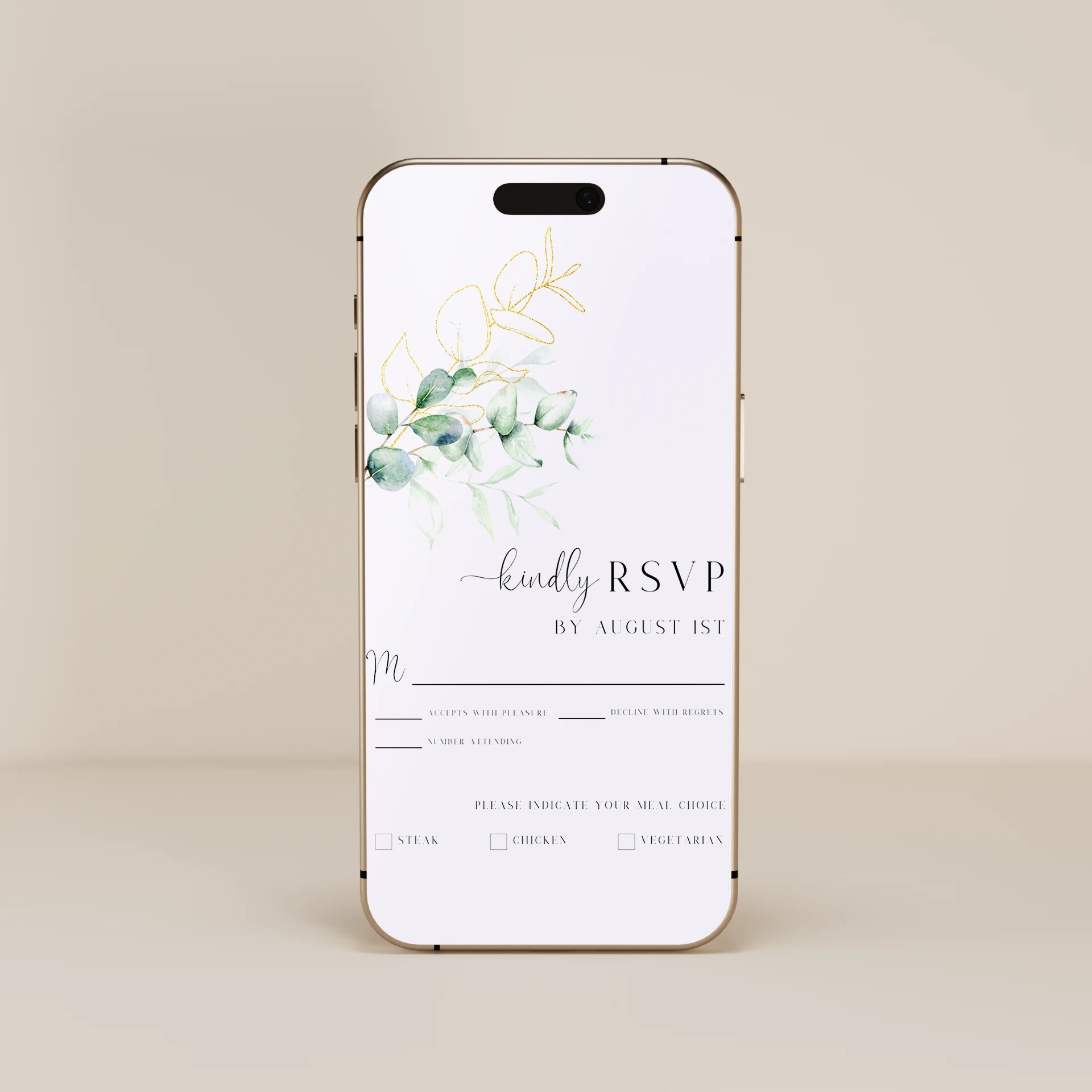
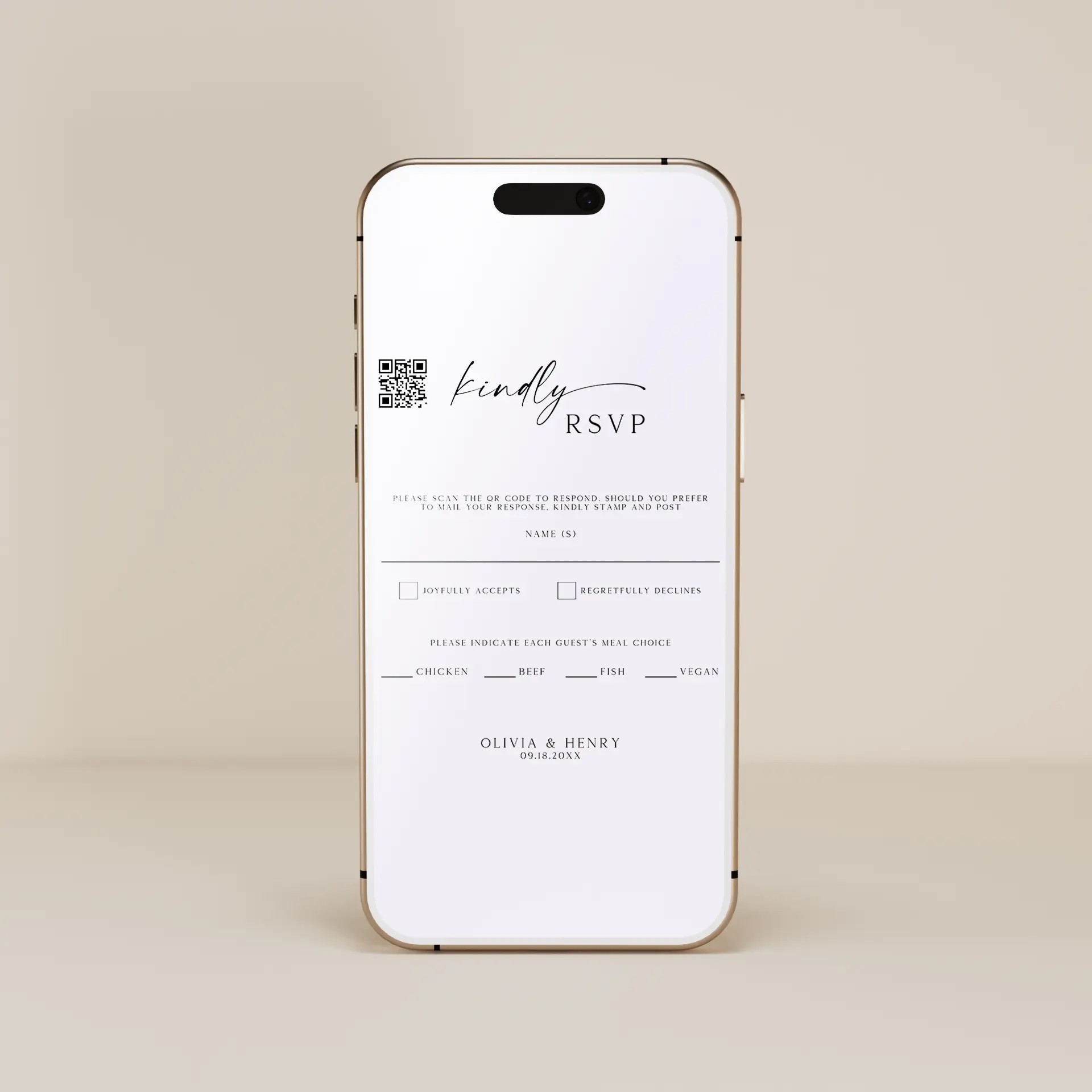
About Our Digital Wedding RSVPs.
A wedding RSVP card is the response card that goes alongside the wedding invitation, asking guests to confirm whether they will attend. Digital wedding RSVP cards take the same idea (a designed card asking for a response) and deliver it digitally instead of as a printed card with a return envelope. Our digital wedding RSVP card templates are fully editable in our free browser-based editor. No Canva account, no Photoshop, no software to install. Customize the design, add the RSVP deadline, list any meal selection options or song requests, and include the response method (a Google Form link, an RSVPify link, your wedding website, or a phone number for text replies). Whether you are looking for a digital wedding RSVP card to pair with your digital wedding invitation, an electronic wedding RSVP that visitors can read at a glance, or a digital RSVP design that matches the rest of your wedding stationery suite, every template here is built to be customized in your browser and shared digitally with your guest list.
Browse Digital Wedding RSVP by Style
Minimalist Digital Wedding RSVP
Clean lines, modern typography, and generous white space. Pairs with minimalist digital wedding invitations.
Floral Digital Wedding RSVP
Watercolor florals and soft botanicals to match floral digital invitation suites.
Boho Digital Wedding RSVP
Earthy textures and hand-drawn details for outdoor and desert weddings.
Classic Digital Wedding RSVP
Formal typography and traditional layouts for couples who want digital convenience without losing the formal aesthetic.
Rustic Digital Wedding RSVP
Warm tones and hand-lettered scripts for barn weddings and farmhouse-themed celebrations.
Three Ways Digital Wedding RSVPs Actually Work
Before buying a digital RSVP, decide how you actually want to collect responses. There are three practical methods, and you should pick the one that matches your wedding size and tech comfort:
Reply by text or email. The simplest option. The RSVP card design displays the host's phone number or email and asks guests to text or email a yes/no plus party size. Works well for small weddings of 50 guests or fewer where you can manually track responses in a spreadsheet. The card is purely visual; it does not collect data automatically.
Pair with a free Google Form. The most popular option. The RSVP card displays a link (or QR code) to a Google Form where guests fill in their response, party size, meal selection, and song request. Free, automatically aggregates responses into a Google Sheet, no extra software. Works well for weddings of 50 to 200 guests.
Pair with a wedding website RSVP tool (RSVPify, Zola, Joy, The Knot). The most polished option. The RSVP card displays a link to your wedding website where guests RSVP through a built-in form that handles meal selection, dietary restrictions, song requests, and tracking automatically. Free or low-cost depending on the platform. Works well for any size wedding, especially destination weddings where a wedding website is already in use.
In all three methods, the RSVP card itself is the visual element that carries your wedding aesthetic from the invitation through to the response. Without a card, guests respond to a generic Google Form or text message, which feels disconnected from the rest of your wedding stationery. The card is what makes the digital RSVP feel like a complete branded experience.
Why a Branded Card Beats a Plain Google Form
Many couples consider skipping the digital RSVP altogether and just sending guests directly to a Google Form. That works, but it loses the visual continuity that makes wedding stationery feel like a complete suite:
The invitation sets the wedding aesthetic. If your digital invitation features watercolor florals and an elegant serif type, a plain Google Form follow-up breaks that aesthetic. A matching floral RSVP card maintains it.
Guests perceive the level of care. A branded RSVP card signals the same level of care as the invitation. A plain form signals shortcut. For weddings where guest experience matters, the branded approach lands better.
The RSVP becomes a keepsake. Guests sometimes save digital wedding stationery (screenshot the invitation, save the RSVP). A branded card is keepsake-worthy. A plain form is not.
It clarifies the formal request. The card gives the RSVP its own visual identity within the invitation flow. Guests recognize "this is the RSVP" instantly when they see it instead of confusing it with a generic form they might ignore.
How to Use Your Digital Wedding RSVP Card
Decide your response collection method first (text/email reply, Google Form, or wedding website RSVP tool). The card design displays whichever option you choose, so this decision comes before you customize the template.
Pick a template that matches your digital wedding invitation. Filter by style above so the RSVP card and the invitation feel like a coordinated suite.
Open the template in our free browser-based editor. Add the RSVP deadline (typically 4 to 6 weeks before the wedding), any meal selection or song request prompts, and the response method (phone number, link, QR code, or wedding website URL).
Pull color codes from your digital wedding invitation so the RSVP card matches the rest of your stationery.
Download the file pack (JPEG, PNG, PDF) and send the JPEG together with your digital wedding invitation. Most couples send the invitation and RSVP card as a two-image set in the same text or email.
Track responses in your chosen tool (Google Sheet auto-populated by Google Form, RSVPify dashboard, or a manual spreadsheet for text/email replies). Send a polite follow-up text 1 week before the deadline to guests who have not responded.
Pairs With
Pair your digital wedding RSVP card with our digital wedding invitations and digital save the dates for a complete digital invitation suite. If you prefer printed RSVP cards instead, browse our printed wedding RSVP cards. After the wedding, see our digital wedding thank you cards to acknowledge guest attendance.
Frequently Asked Questions
What is a digital wedding RSVP card?
A digital wedding RSVP card is the response card portion of a wedding invitation suite, delivered digitally instead of as a printed card with a return envelope. It is a designed card image (JPEG or PNG) that displays the RSVP deadline and how to respond (a phone number for text replies, a link to a Google Form, or a link to your wedding website RSVP tool). The card itself does not collect responses; it is the visual element that points guests to the response method you have chosen.
Do I still need an RSVP card if I send a digital wedding invitation?
Yes, recommended. The RSVP card serves three purposes: it makes the request to respond visually distinct from the invitation itself, it gives guests a clear deadline and method to respond, and it carries your wedding aesthetic through to the response (so the experience feels coordinated rather than ending in a plain Google Form). Couples who skip the RSVP card and send guests directly to a form often see lower response rates because the request feels less formal.
How do I track digital wedding RSVPs?
Three common methods. First, a Google Form (free) that auto-populates a Google Sheet with each response. Second, a wedding website RSVP tool (RSVPify, Zola, Joy, The Knot) that handles tracking, meal selections, and follow-ups in one dashboard. Third, a manual spreadsheet where you log text and email replies (works for small weddings under 50 guests). Pick the method based on your wedding size: under 50 guests can be tracked manually, 50 to 200 guests benefit from Google Forms, 200+ guests benefit from a full wedding website RSVP tool.
When is the RSVP deadline for a digital wedding invitation?
Set the RSVP deadline 4 to 6 weeks before the wedding. This gives the catering team time to finalize headcount and meal counts (typically due 2 to 3 weeks before the wedding), gives you time to chase up guests who have not responded, and gives time for the seating chart to be built around final attendance. For destination weddings, set the RSVP deadline 8 to 12 weeks ahead so guests have time to book travel after responding.
What information should be on a digital wedding RSVP card?
Standard digital RSVPs include: the request to respond ("Kindly respond by [deadline]" or "Please reply by [deadline]"), the response deadline date, the response method (phone number, link, or QR code), and optionally meal selection prompts (chicken, fish, vegetarian) plus a song request field for couples who want guest input on the playlist. Keep it short. The RSVP card is meant to be a quick read, not an exhaustive form. Detailed information (venue address, dress code, ceremony time) belongs on the invitation itself.
Can I send the digital wedding RSVP card alone or does it need to be paired with the invitation?
Pair it with the invitation. The two cards work together as a set: the invitation introduces the wedding, the RSVP card asks for the response. Most couples send both as a two-image text or email so guests see them together. Sending the RSVP card alone confuses guests because they may not have the wedding details (venue, time, dress code) needed to decide whether they can attend. The exception is sending a follow-up RSVP reminder one week before the deadline; in that case, sending just the RSVP card with a polite "reminder to respond" note works well.