
Digital Save the Dates
Send your wedding news 6 to 9 months ahead of time without printing a single card, and digital save the dates do the work in the background while guests start booking flights. Each design is fully editable in our free browser-based editor and downloads as JPEG, PNG, and PDF files for sharing by text message, email, or shareable link. Choose static designs for a quick send, animated GIFs for visual impact, or video formats for a personal message from the couple. Add clickable links to your wedding website so guests can immediately start travel planning. Send 6 to 9 months before the wedding to give guests maximum lead time for booking flights and accommodation.


trending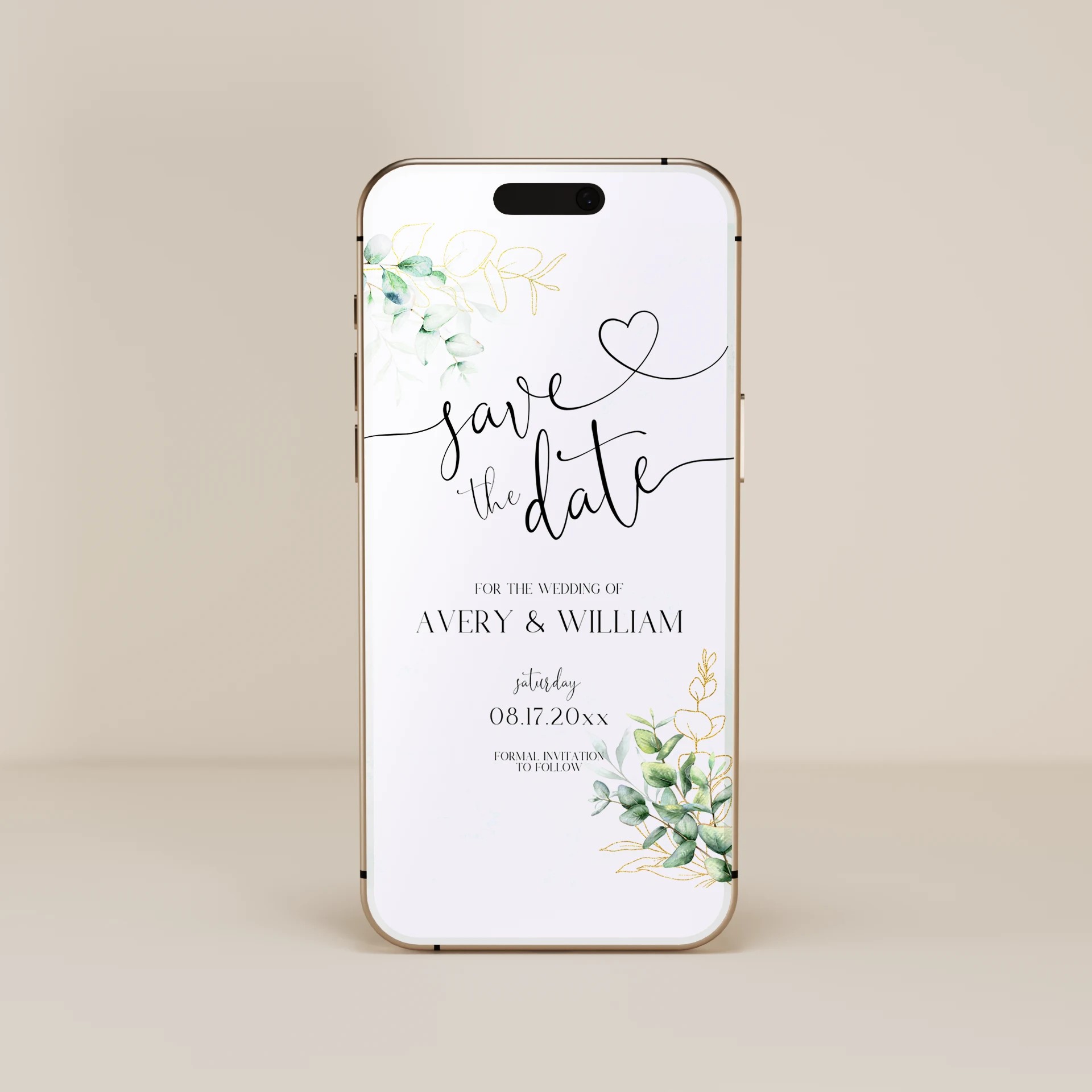
best seller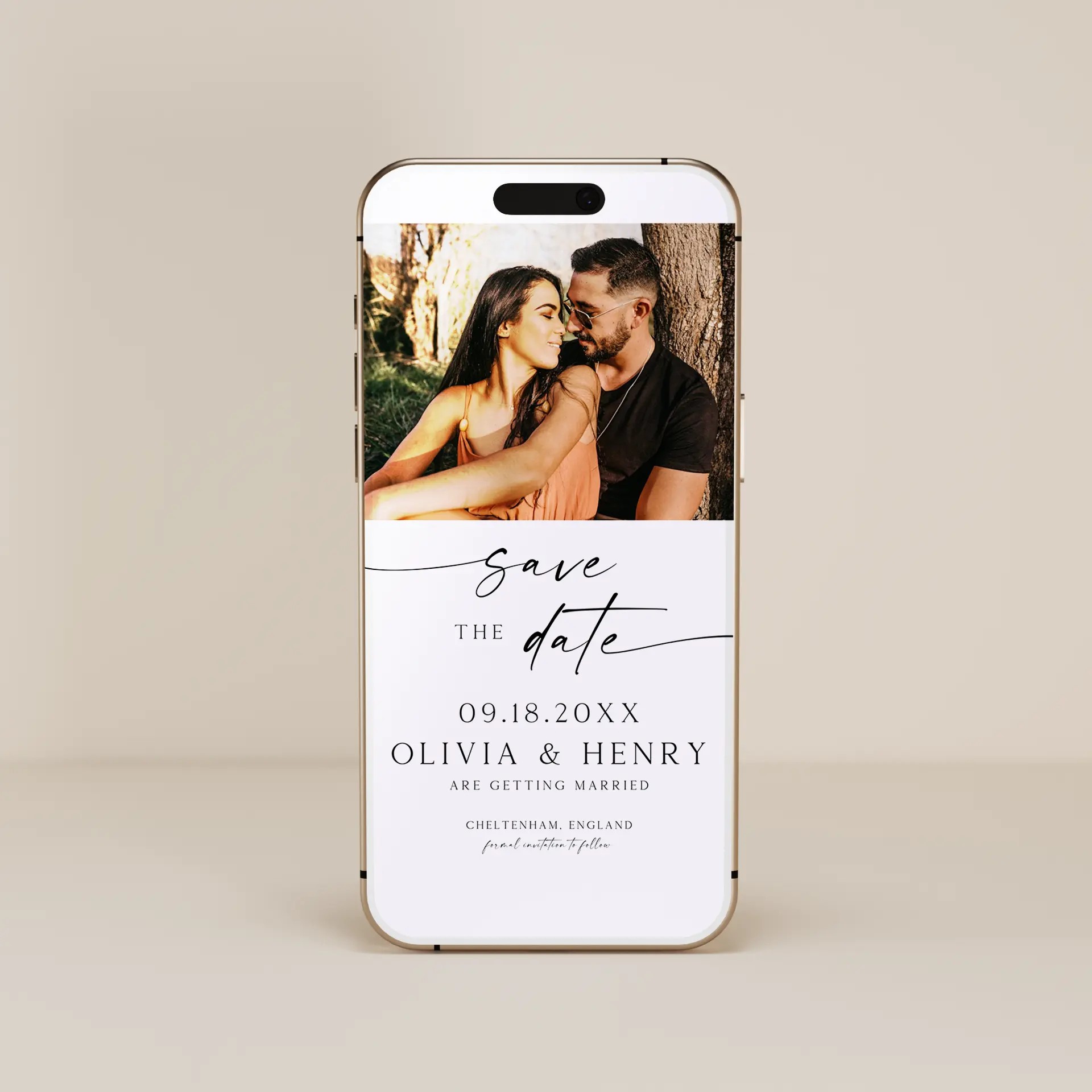
About Our Digital Save the Dates
A save the date is the first formal announcement of your wedding date, sent to guests months before the formal invitation. Digital save the dates send this information by text message, email, or shareable link instead of mailing a printed card or magnet. Our digital save the date templates are fully editable in our free browser-based editor. No Canva account, no Photoshop, no software to install. Customize the design, add your names, the wedding date, the venue location (or just the city for early-stage planning), and a clickable link to your wedding website where guests can find travel information. Whether you are looking for digital save the dates to text to your guest list, an electronic save the date for a destination wedding, a save-the-date evite for a small intimate guest list, or a video save the date with a personal message from the couple, every template here is built to be customized in your browser and shared digitally in 10 to 15 minutes from purchase to sent.
Browse Digital Save the Dates by Style
Minimalist Digital Save the Dates
Clean lines, modern typography, and generous white space. For couples whose wedding aesthetic leans contemporary.
Floral Digital Save the Dates
Watercolor florals and soft botanicals. Pairs with garden weddings, vineyard receptions, and floral wedding themes.
Boho Digital Save the Dates
Earthy textures, terracotta tones, and hand-drawn details. Great for outdoor and desert weddings.
Classic Digital Save the Dates
Formal typography and traditional layouts. For couples who want digital convenience without giving up the formal aesthetic.
Rustic Digital Save the Dates
Warm wood tones and hand-lettered scripts. Perfect for barn weddings and farmhouse-themed celebrations.
Static, Animated, or Video Save the Dates
Digital save the dates come in three format options. Pick the one that matches the energy of your wedding announcement:
Static save the date. A still image or PDF of the design, shared as a JPEG or PNG. Quickest to create and easiest to share. Looks like a printed save the date but lives on a phone screen. Best for couples who want a polished announcement that mirrors traditional printed save the dates.
Animated save the date. A short looping animation (typically 3 to 8 seconds) with motion elements like florals that bloom, type that animates in, photos that fade between frames, or backgrounds that shimmer. Shared as an animated GIF or short MP4. More visually impressive than static and stands out in a group chat.
Video save the date. A longer video (15 to 60 seconds) that may include the couple speaking to the camera, a photo montage, or footage of the proposal. Shared as MP4 or via a YouTube/Vimeo link. Most personal format. Particularly popular for destination weddings (showing the venue from above), couples sharing on Instagram or TikTok, and couples whose proposal video is already a story they want to share.
Most templates in this collection are available in static and animated formats. Video templates are noted separately and require a short video clip from the couple as input. All formats are designed to display cleanly on a phone screen since most guests will view the save the date on their phone, not a desktop.
Why Digital Save the Dates Win for Timing
Save the dates have a tighter timing advantage than digital wedding invitations. Here is why:
Send earlier. Save the dates need to go out 6 to 9 months before the wedding (longer for destination weddings), but printed save the dates have a 2 to 4 week production and mailing timeline. Digital save the dates send instantly the moment you finish customizing them, so couples planning quickly can send same-day.
Update easily. Wedding details often change in the early planning phase (venue not finalized, exact date might shift by a weekend, ceremony time still being decided). Digital save the dates can be updated and re-sent in minutes if anything changes. Printed save the dates require a reprint.
Include clickable links. The biggest advantage. Digital save the dates can include a clickable link to your wedding website, which is where guests need to go to start travel research. The earlier they click, the earlier they book flights and accommodation, the better seats they get.
Track who got it. With digital sharing you can confirm guests received the save the date (read receipts on iMessage, email open tracking, click-through rates on the wedding website link). Printed save the dates disappear into the void of postal delivery.
Save 75 to 90 percent on cost. Save the dates for 100 guests typically cost $100 to $300 (printing) plus $30 to $50 (envelopes and addressing) plus $60 to $80 (postage). Total: $190 to $430 for printed. Digital save the dates cost the price of the template (under $25) for unlimited sends.
How to Send Your Digital Save the Date
Lock the wedding date and venue (or at least the city/region) before sending save the dates. Avoid sending if the venue is still being negotiated unless you are willing to send a follow-up update.
Pick a template that matches your wedding aesthetic, even though formal invitations may not have been designed yet. Filter by style above.
Open the template in our free browser-based editor. Edit names, the wedding date, the location (city, region, or full venue if confirmed), and add a clickable link to your wedding website if you have one set up.
If using video format, upload a short video clip (15 to 60 seconds) from the couple. Most couples use a short clip from the proposal, an engagement photo session, or footage of the venue.
Download the file pack (JPEG, PNG, PDF, plus animated GIF or MP4 if applicable).
Send by text message to most guests, email to older relatives who prefer email, and a shareable link for the wedding party group chat or social media. Time the send 6 to 9 months before a destination wedding or 4 to 6 months before a local wedding.
Pairs With
If you prefer printed save the dates instead, browse our printed save the dates collection. Once you are ready for the formal invitation 6 to 8 weeks before the wedding, see our digital wedding invitations or printed wedding invitations. For pre-wedding events (engagement parties, bridal showers, bachelorette parties), see bridal shower invitations and bachelorette party invitations.
Frequently Asked Questions
When should I send digital save the dates?
Send digital save the dates 6 to 9 months before a destination wedding or 4 to 6 months before a local wedding. Send earlier (8 to 12 months) for international destination weddings or weddings during peak travel seasons (summer, holidays). Save the dates are the first formal heads-up to guests, so they need enough lead time for guests to book travel, request time off work, and arrange accommodation. Avoid sending more than a year in advance because guests may forget by the time the formal invitation arrives.
What information should be on a digital save the date?
A digital save the date should include the couple's first names ("Sarah and Michael"), the wedding date, the location (city, region, or country at minimum), and a phrase like "Formal invitation to follow." Optional additions: a clickable link to your wedding website where guests can find more details, a "Save the date" or "Save our date" header, and a small photo or animation. Keep it simple. Save the dates are an announcement, not the formal invitation, so detailed information (venue address, timing, dress code) belongs on the wedding invitation later.
What is the difference between digital save the dates and digital wedding invitations?
A save the date is the first announcement of your wedding date, sent 4 to 9 months in advance with minimal details (just the date and city) so guests can plan travel. A wedding invitation is the formal request to attend, sent 6 to 8 weeks before the wedding with full details (venue address, ceremony time, dress code, RSVP instructions). Most couples send both: save the dates first for travel planning, then the formal invitation closer to the wedding. Digital save the dates work especially well because the early timing benefits from instant sending and clickable wedding website links.
Can I send a video save the date?
Yes. Video save the dates are 15 to 60 second videos that combine the announcement with footage of the couple, a photo montage, or shots of the venue. They are shared as MP4 files or via YouTube/Vimeo links. Video save the dates work especially well for destination weddings (showing the venue from above), couples whose proposal was filmed (using clips from the proposal video), and couples who plan to share the announcement on Instagram or TikTok where video performs better than static images. They take longer to create than static or animated save the dates but generate more engagement.
How do I send a digital save the date by text message?
Save the JPEG image (for static), animated GIF (for animated), or MP4 file (for video) from the template download to your phone. Open your text messaging app, attach the file, add a short personal note ("Save the date! More details coming soon"), and send to each guest's phone number directly or to a group chat. The image or video displays inline in the message thread on every modern smartphone. For the wedding website link, include it as a separate clickable link in the message body so guests can tap it directly.
Should I still send formal wedding invitations if I send digital save the dates?
Yes for most weddings. The save the date is the early heads-up; the wedding invitation is the formal request to attend. Even couples who send both digital save the dates and digital wedding invitations treat them as separate stages of communication. Digital save the dates go out 4 to 9 months ahead with minimal details. Wedding invitations go out 6 to 8 weeks ahead with full details and the RSVP request. Skipping the formal invitation is uncommon and risks confusion about whether the wedding details have been finalized.